5 Ways ID Verify Saves You Time
Nobody thinks of ID checks as a bottleneck until they're standing behind one. But every second a customer spends at your door or register is a second they aren't inside spending money, and those seconds pile up fast on a busy night. Manual verification is slow, it's inconsistent, and it wears your staff down right when you need them sharp. Here are five places where ID Verify quietly hands you your time back.
The two-second scan
Watch someone check an ID by hand and time it. Between picking it up, squinting at the birth date, doing the age math, glancing at the expiration, hunting for security features, and finally handing it back, you're looking at about thirty seconds per person. That feels quick in isolation. It does not feel quick when there are forty people behind that one.
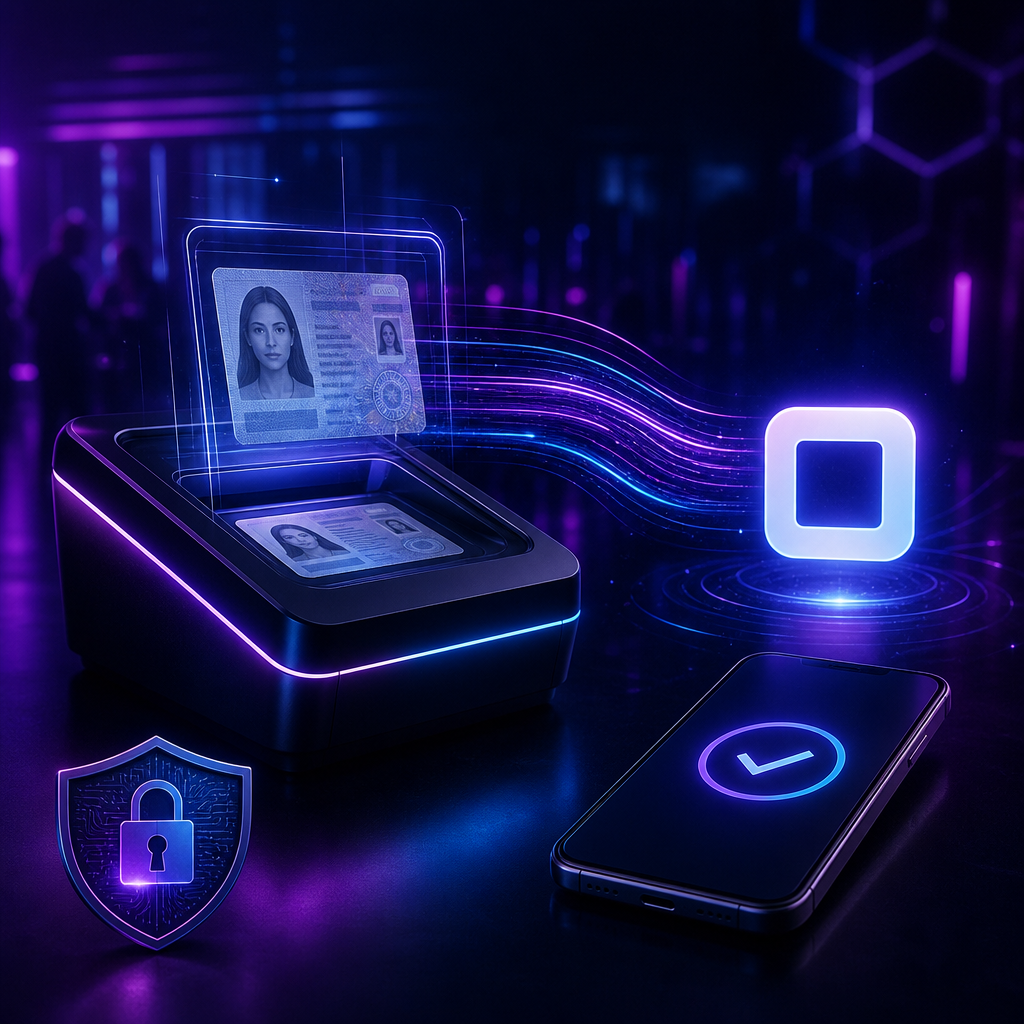
ID Verify collapses the whole ritual into roughly two seconds. The customer presents their ID, you scan it with the device already in your hand, and you get a clean pass or fail along with an automatic log entry. That's twenty-eight seconds saved every single time. Run a thousand customers through in a month and you've clawed back close to eight hours you would otherwise have spent staring at plastic.
No more birthday math at 1 a.m.
Mental arithmetic under pressure is where good employees quietly go wrong. They miscalculate an age, they second-guess the answer, they wave a colleague over to check, and the line stalls behind them. As the night wears on and fatigue sets in, the mistakes come faster. None of that is a character flaw. It's just what happens when you ask a tired person to do subtraction in a loud room.
Automating the calculation takes the whole category off the table. The age is computed instantly and correctly, every time, whether it's the first scan of the shift or the five hundredth. There's no wobble, no re-check, no fatigue creeping into the numbers. A busy nightclub running five hundred IDs on a Saturday can shave roughly forty-five minutes of cumulative wait off the night, and that time goes straight back into keeping the line moving and the mood good.
One device instead of two
Traditionally, verifying age and taking payment are two separate errands. You check the ID at the door or counter, then process the sale somewhere else, and for anything alcohol-related you often end up re-verifying mid-transaction. That means juggling multiple devices, more steps to fumble, and more room for error when things get hectic.
ID Verify's Square integration folds those steps together. The same device that confirms someone's age also runs their payment, and for restricted items the age check happens as part of the sale rather than as a separate hurdle. That's about fifteen seconds saved per paying customer, one less piece of hardware to buy and babysit, and one less thing to train new hires on.
Training that happens on the job
Bringing someone new up to speed on ID checks the old way is a real time sink. You're looking at two to four hours of upfront training, plus shadowing, plus practice with sample IDs, plus the corrections and re-training that follow, and plus the cost of the honest mistakes they'll make while they learn. All of that happens before they're pulling their weight.
With ID Verify's training mode, a new hire is useful on their first shift. The app guides them through real checks as they happen and keeps them current on the fake-ID trends worth worrying about, so everyone applies the same standard regardless of experience. Onboarding drops from a half-day exercise to something closer to half an hour, and age-verification errors fall dramatically once the guesswork is gone.
Compliance that keeps its own records
Paper logs are a slow-motion tax on your week. Somebody has to maintain them, compile the daily and weekly summaries, pull incident reports, tally demographics by hand, and then scramble to assemble all of it when an auditor comes knocking. It's tedious work that produces nothing except the ability to prove you did the other work.
ID Verify handles the bookkeeping in the background. Every scan is logged with a timestamp, compliance reports generate themselves, demographic trends are tracked automatically, and the data exports cleanly whenever you need it. What used to eat around five hours a week of administrative time mostly disappears, and audit prep goes from a multi-day ordeal to a few minutes of pulling a report.
What it looks like in the wild
The abstract savings get concrete quickly once you scale them to a real shift. A bar checking three hundred people on a Friday night spends around two and a half hours on manual verification; the same door with ID Verify handles it in about ten minutes. A dispensary running a hundred customers a day trades ninety minutes of checking and logging for roughly fifteen, which adds up to something like thirty-two hours back over a month. And a festival moving five thousand attendees through the gates can cut entry from more than forty staff-hours down to under three across its lanes, which means faster lines and a leaner crew.
There's a compounding effect layered on top of the raw minutes, too. Shorter waits mean fewer complaints, fewer staff tied up on the door means more hands free for actual service, and a smoother process tends to leave everyone, employees included, in a better mood.
Does the math actually work out?
It's fair to ask whether the savings justify the cost. Say your staff earns fifteen dollars an hour and the app saves you two hours a day across twenty-five operating days in a month. That's seven hundred and fifty dollars of labor recovered against a Pro subscription that runs under ten dollars. Even with conservative assumptions, the subscription pays for itself many times over, and that's before you count the sales you didn't lose to a line that was too long to bother with.
A few smaller features round things out. You can run batch checks for group entries and VIP lists, get flagged about expired IDs or prior incidents before they become a problem at the counter, and keep verifying even when the internet drops, since the app works offline and syncs back up once you're reconnected.
Getting started
Setup is genuinely quick: download the app, create an account, set your preferences, and start scanning. The free tier lets you feel the difference before you commit to anything, so you can watch the time savings accumulate on your own floor rather than take our word for it. When those saved hours start showing up in your week, you'll wonder how the manual way ever seemed acceptable.